Get Access
To start using the Back Office you will need a user and authentication seed setting up by our team (or yours once an admin user is added).
This is done via the Admin tab.
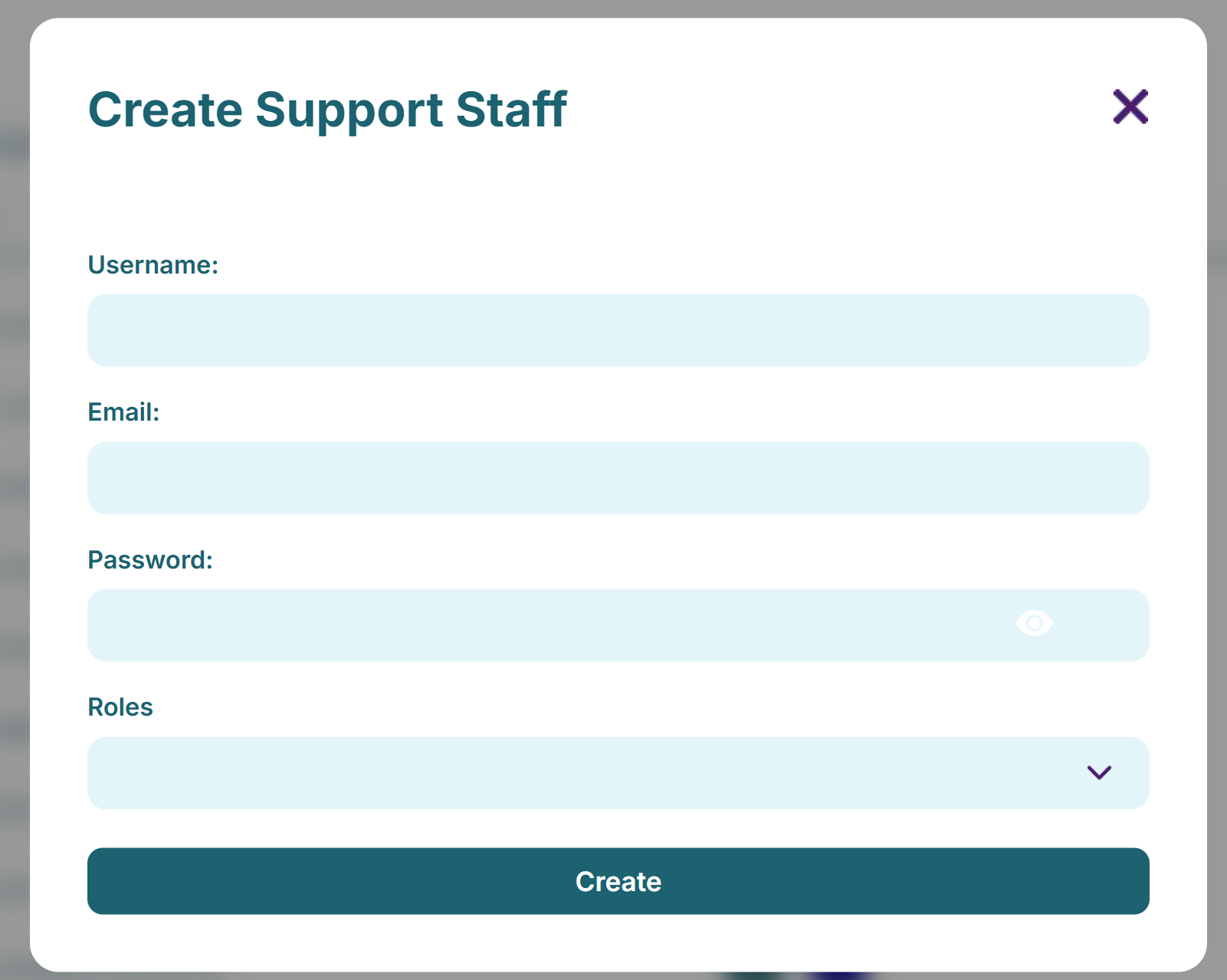
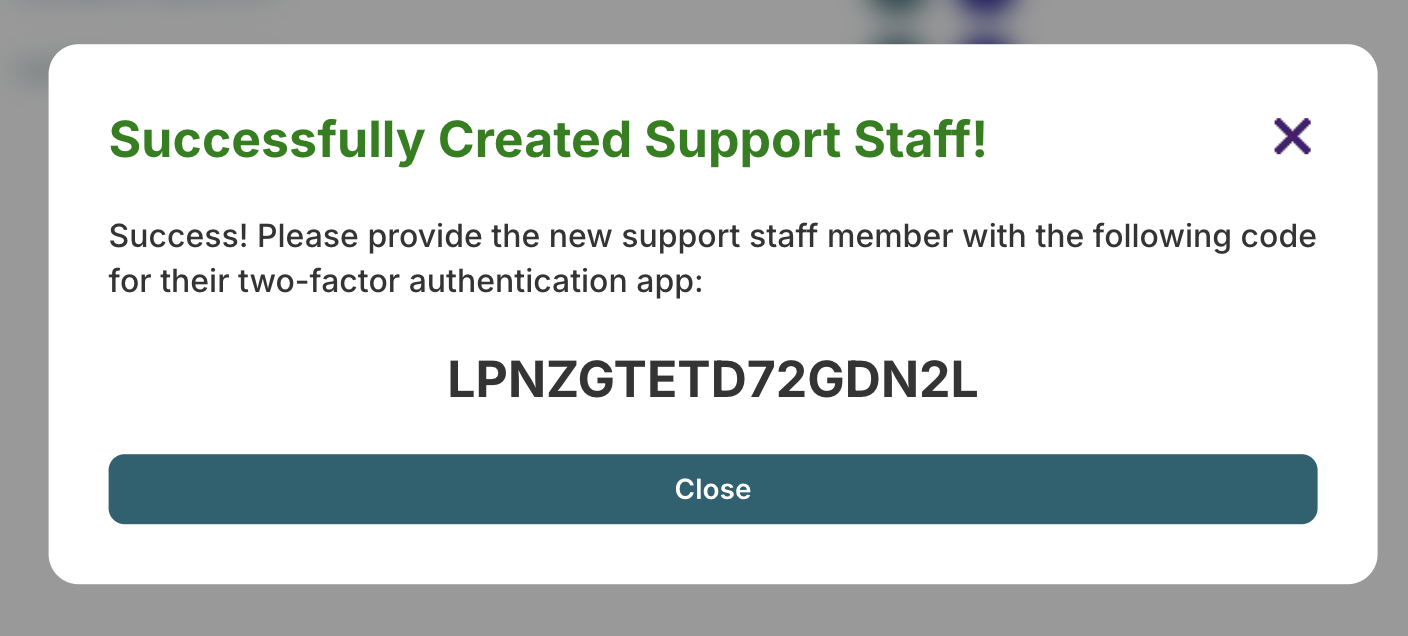
On clicking 'Create' the Admin will need to share the unique seed like below with the new user.
Top Tip
This seed will need adding into their preferred authentication application, such as Google Authenticator.
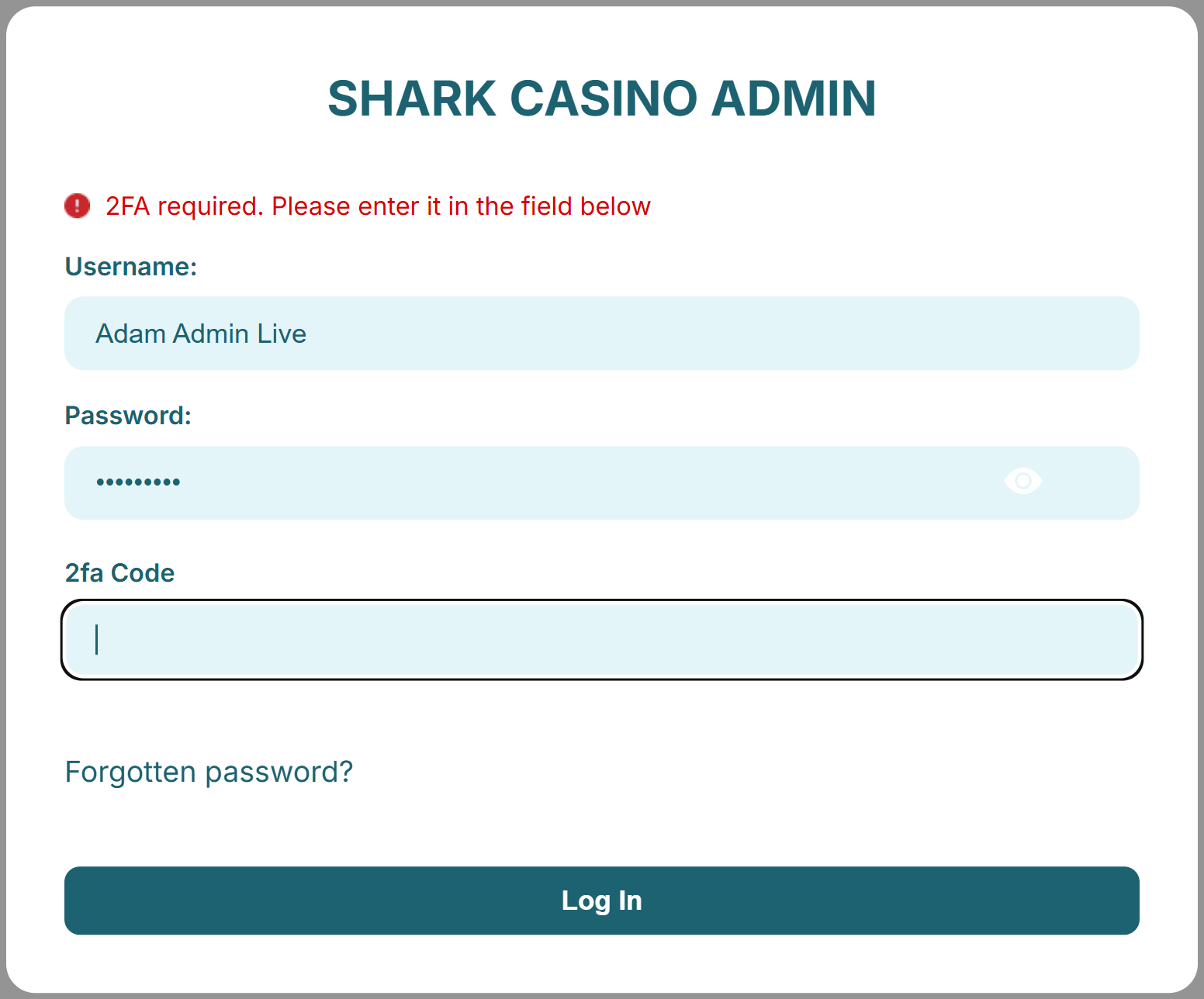
You can then login to the Back Office at admin.yourdomain.com entering your username/password and 2FA code from your
authenticator application.